Deployment guides / Smart Home Device Connectivity

Multi-device connectivity for branded smart home systems.

A multi-device smart home system uses one commissioning, account, device and control model across gateways, panels, appliance controllers and selected access products.

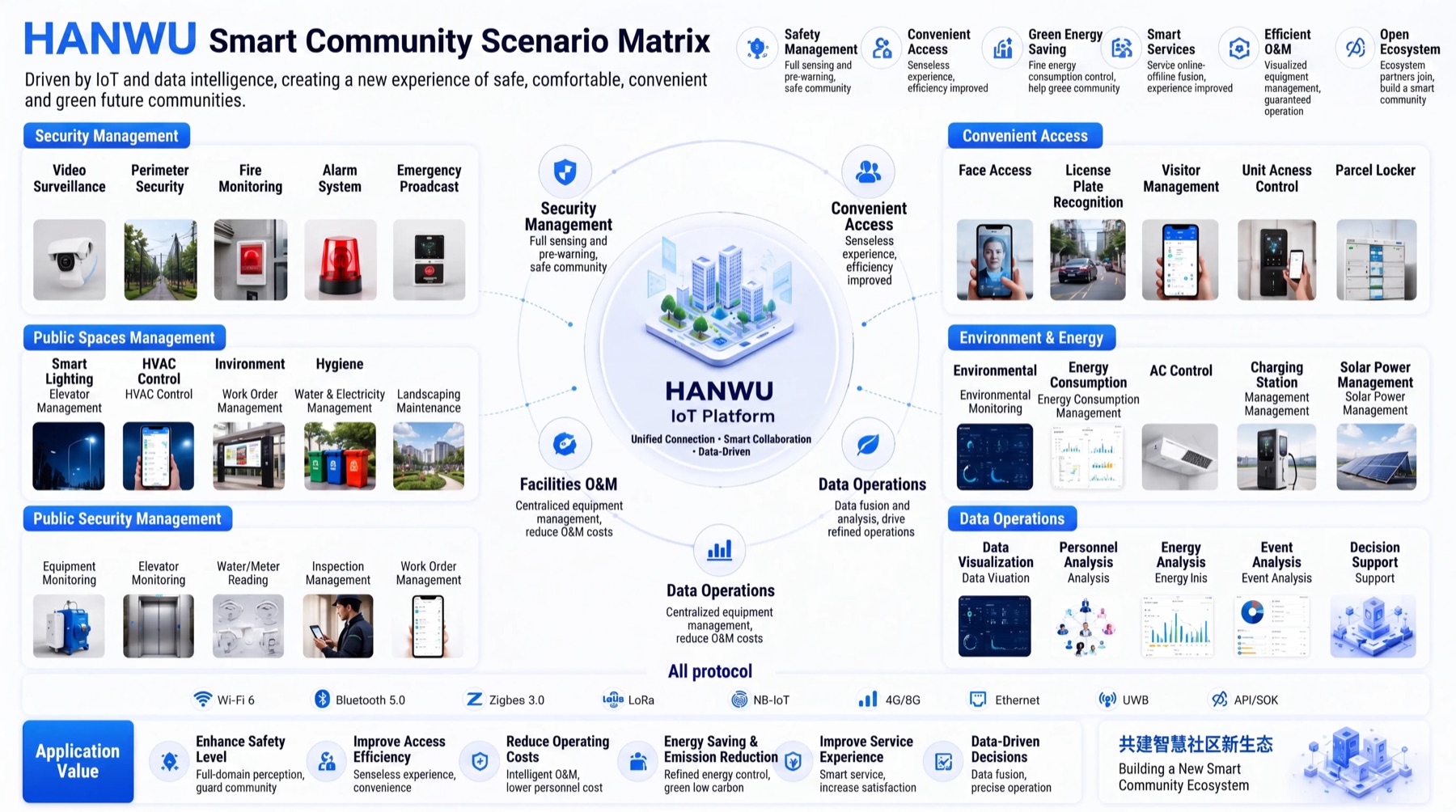
Smart community scenario matrix with access, security, environment and data operations.Deployment reference
Multi-device smart home control
Unify commissioning, rooms, roles, controls and device states across a product family.

Choose the devices that must work as one family

Unify commissioning, rooms, roles, controls and device states across a product family.

Prevent fragmented setup, roles and support flows

Adding devices one by one creates inconsistent pairing, controls, roles and support behavior across the product family.

What this gives the buyer

Create one branded control experience while preserving the device-specific states and functions of each product.

From commissioning to shared device control

  1. 01

    Create the account and home or site structure

  2. 02

    Commission the gateway, panel or direct-connected device

  3. 03

    Assign rooms, groups and access roles

  4. 04

    Synchronize device states and controls

  5. 05

    Manage alerts, updates and service records

Define the home, roles and recovery path before sampling

  • Supported product categories and protocols
  • Gateway-led or direct cloud architecture
  • Commissioning and failure recovery
  • Roles, homes, rooms and shared access
  • OTA and after-sales responsibilities

Smart Home Device Connectivity fit and common questions

A multi-device smart home system uses one commissioning, account, device and control model across gateways, panels, appliance controllers and selected access products.

Best for
  • Create one branded control experience while preserving the device-specific states and functions of each product.
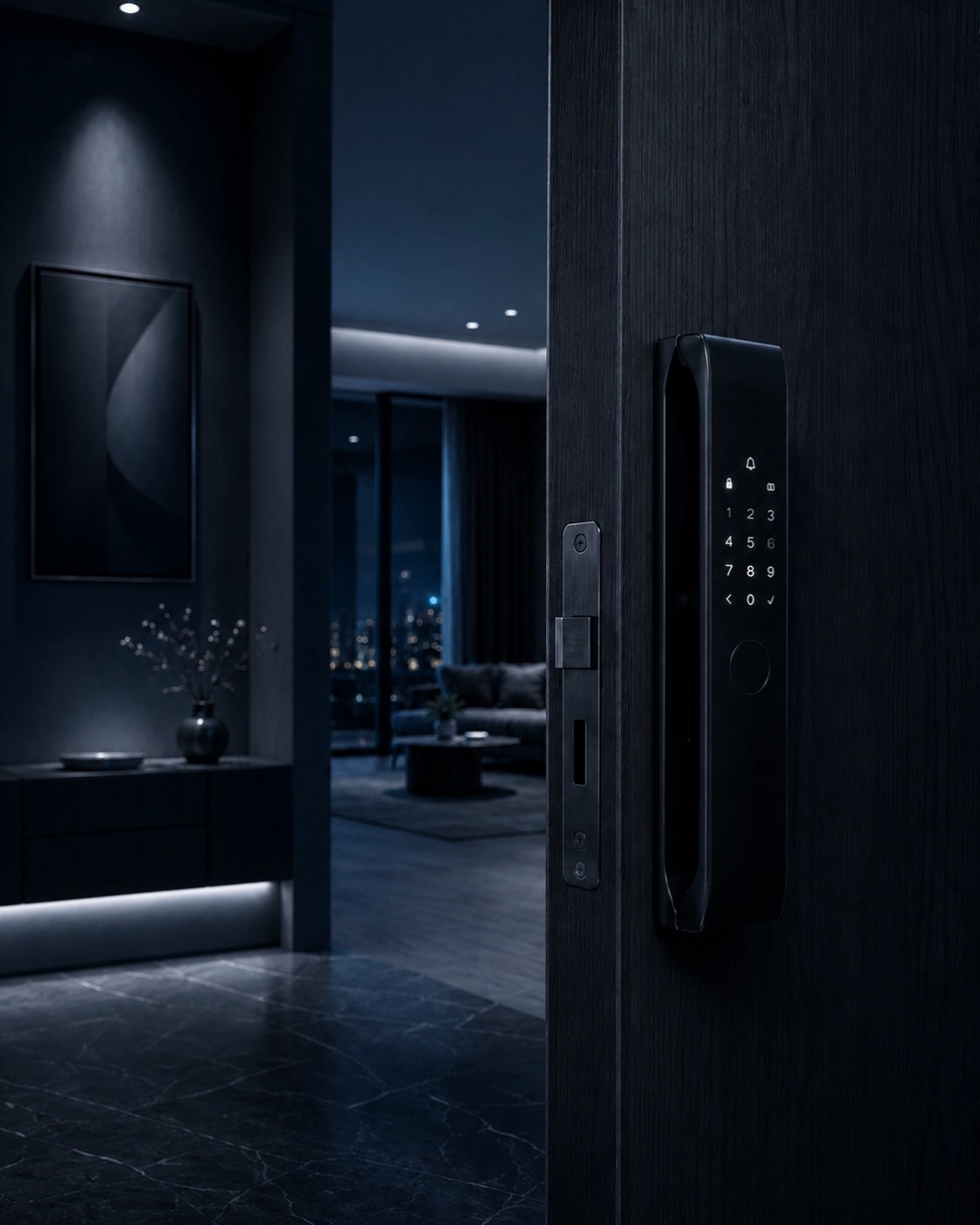
  • Smart Lock Products
Check first
  • Projects without a product or deployment owner
  • Commercial assumptions before configuration
Typical scope
  • Create the account and home or site structure
  • Commission the gateway, panel or direct-connected device
  • Assign rooms, groups and access roles
  • Synchronize device states and controls
What you receive
  • Supported product categories and protocols
  • Gateway-led or direct cloud architecture
  • Commissioning and failure recovery

Prepare the connected-home sample brief

WhatsApp Hanwu