Products / AI Holographic Projection Booths
Booth + operator controls + content platform
Turn an AI content experience into a managed booth product.
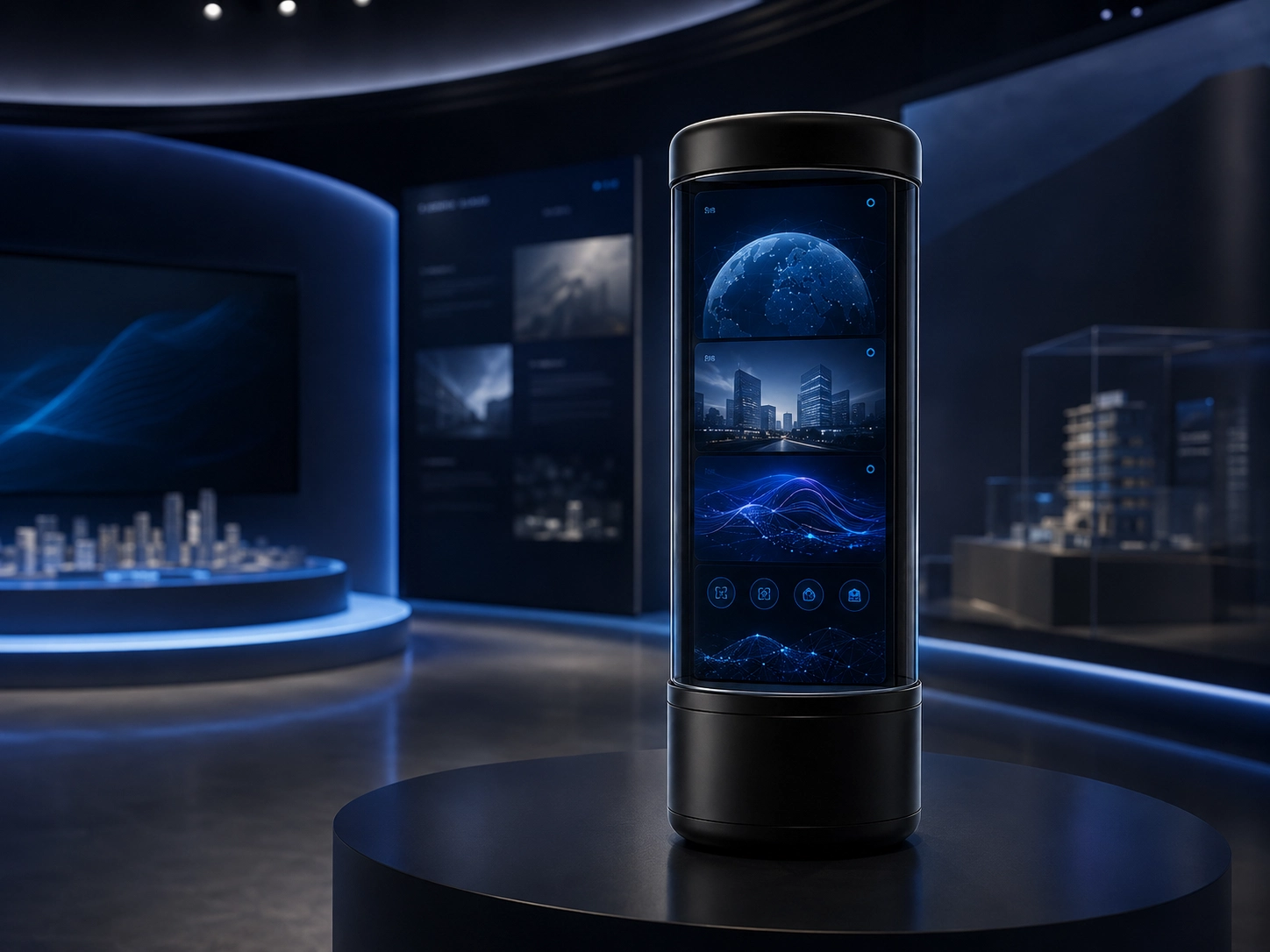
Hanwu is developing an AI holographic projection booth platform that combines an interactive enclosure, user input, AI-assisted content generation, managed processing, projection playback and operator controls.
- Starting point
- AI holographic projection booths
- Project fit
- Organizations developing a managed interactive installation
- Program path
- Configuration, sample, pilot and production release
When AI holographic projection booths are the right starting point
This is a configurable product platform rather than a standard off-the-shelf category. Each program starts by defining the audience experience, content permissions, processing model, display environment and operator responsibilities.
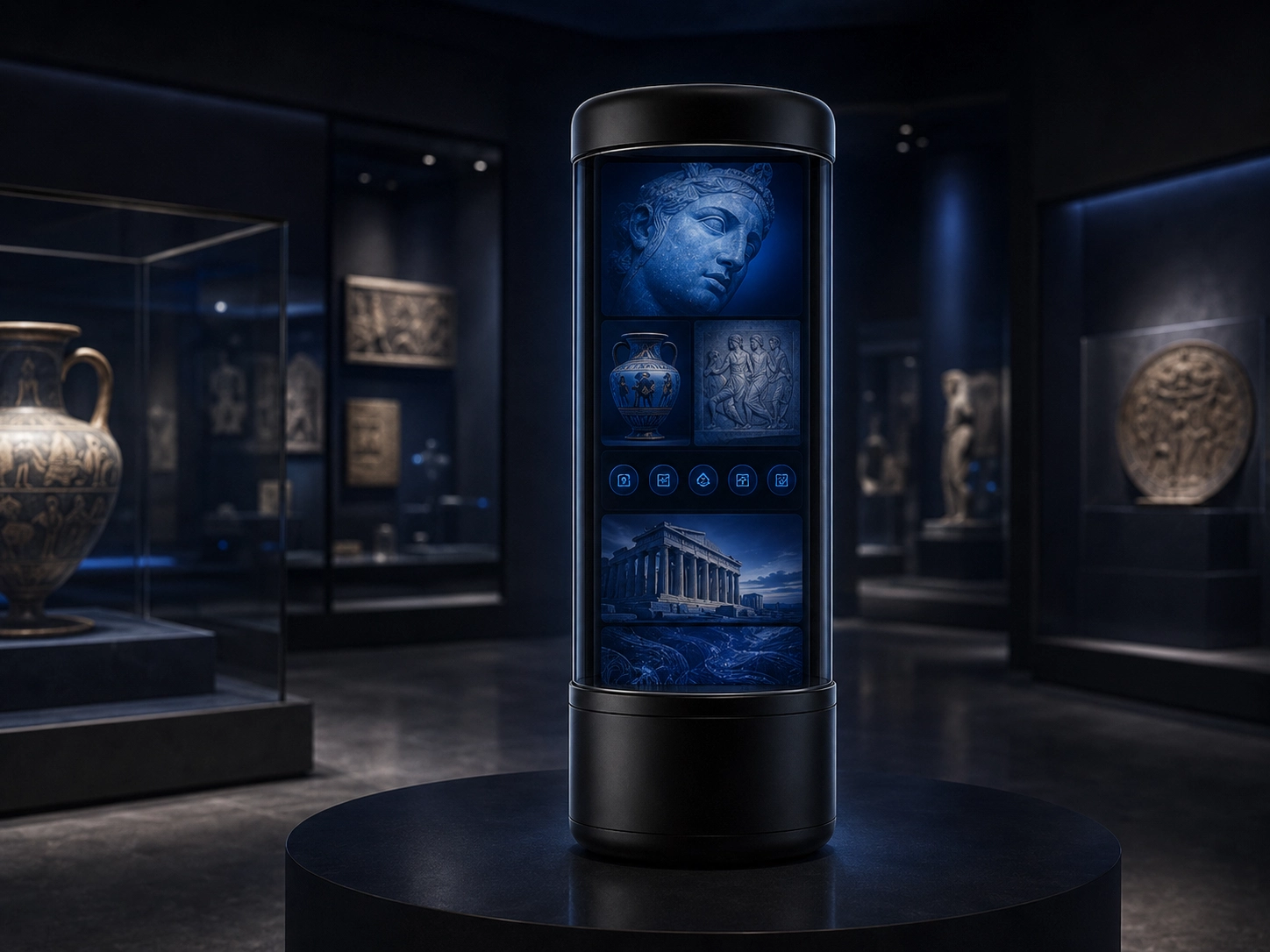
Museum and cultural storytelling
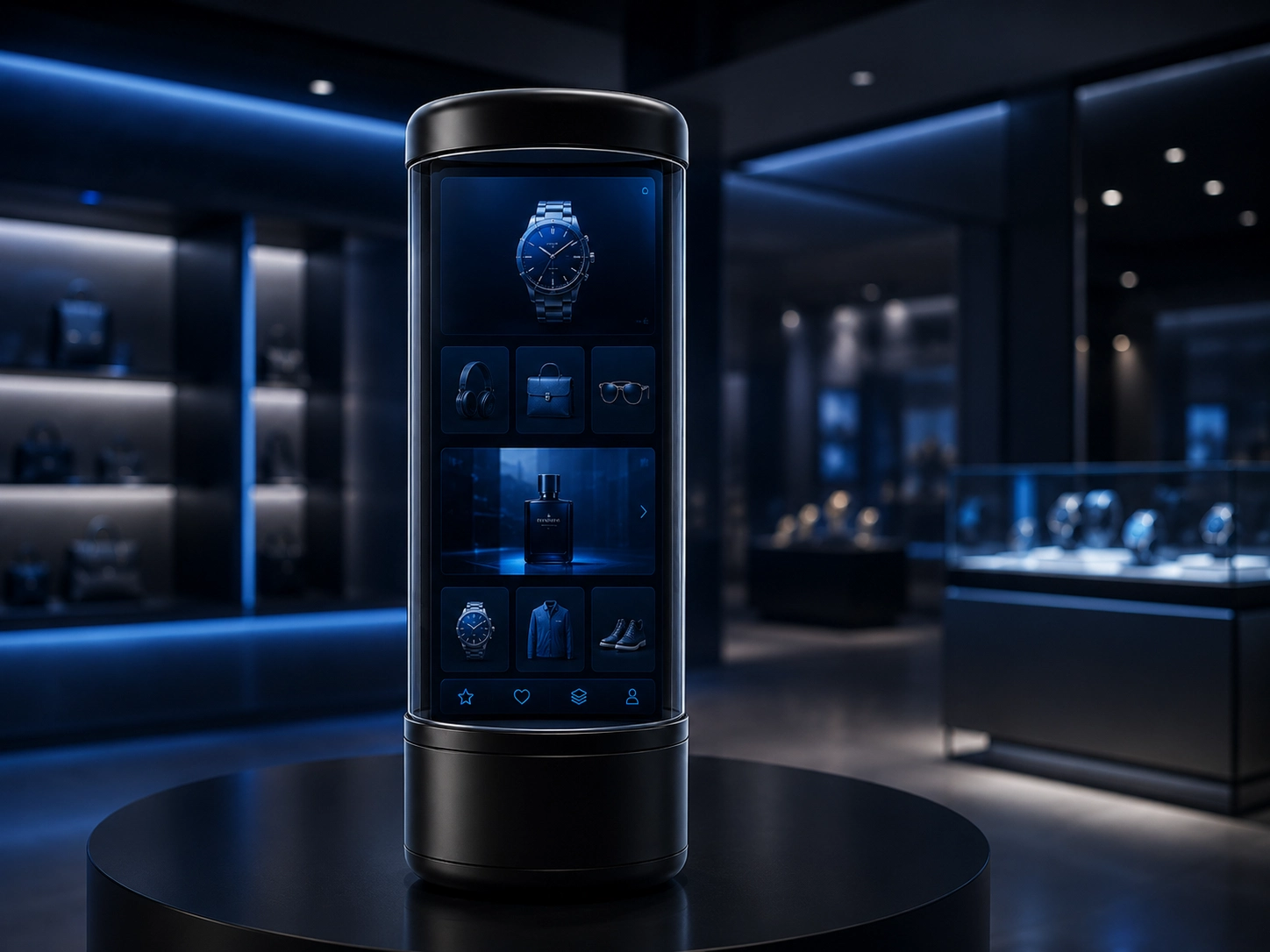
Retail engagement installations
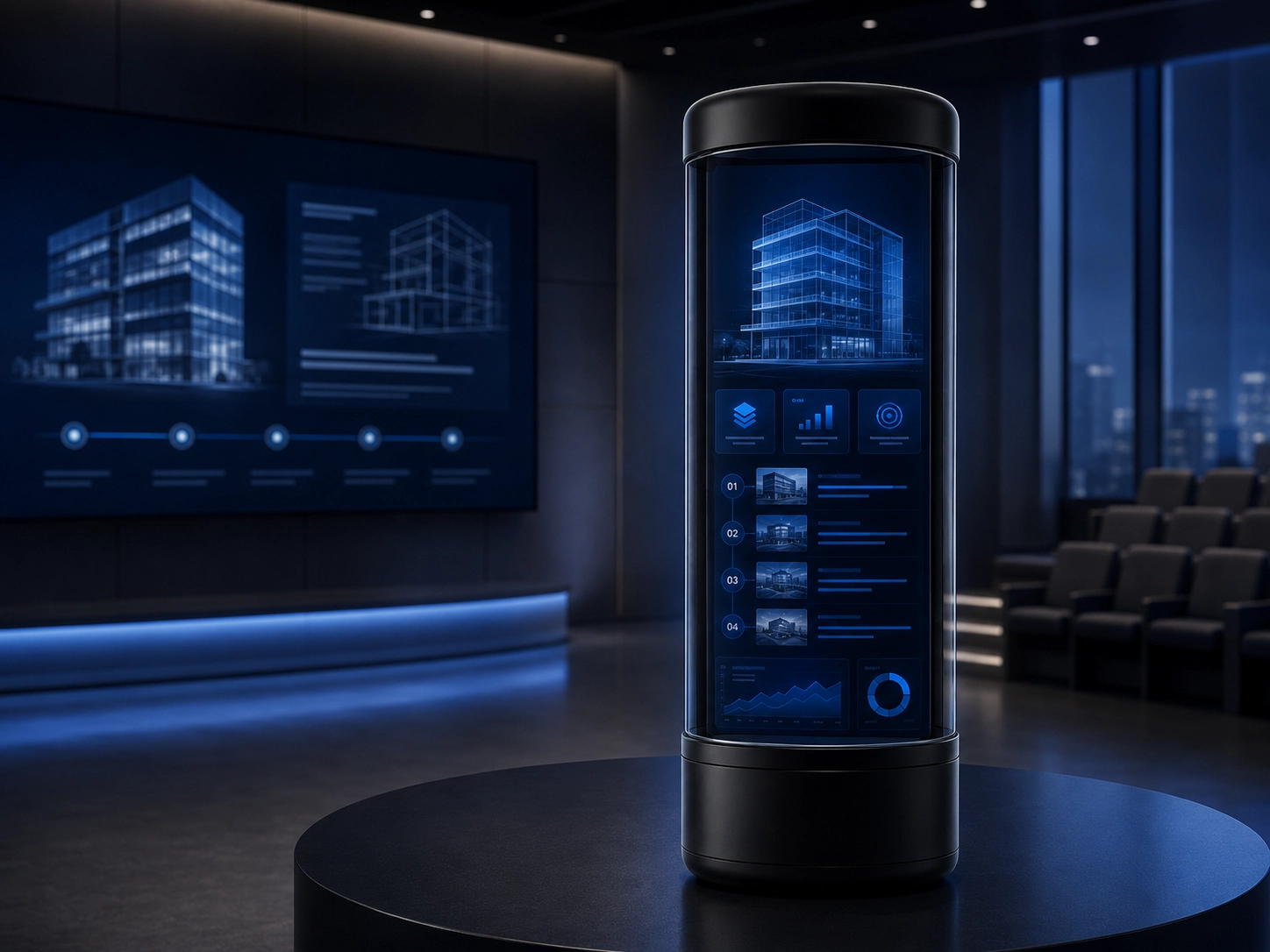
Education and guided presentation spaces
On-site interaction, AI content workflow and remote booth operations
The configurable framework connects user input and AI-assisted content generation to review, playback, device assignment and remote operations.
On-site interaction and operator interface
Guide consent, capture, generation, review and playback through a controlled venue experience.
Visitors, presenters and authorized on-site operators- Start and authorize a session
- Capture approved input and initiate generation
- Review, approve and play content

Language, consent, account and session controls

Input capture, prompt state and processing feedback

Preview, approval and playback control
Content and device-management platform
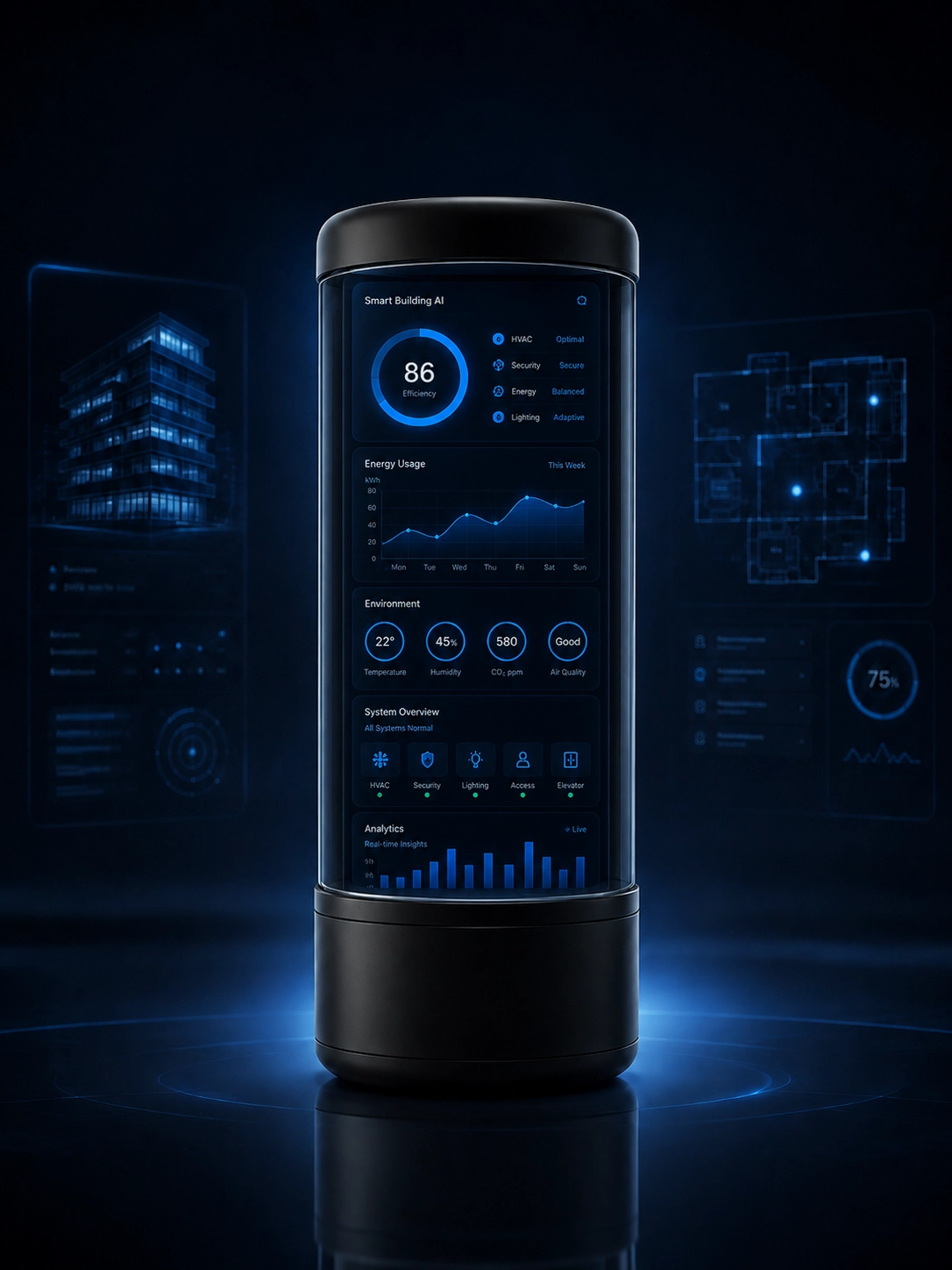
Control content, playlists, device assignment, schedules, roles, status and service workflows from a browser platform.
Content, venue, fleet and maintenance operators- Manage content, approvals and playlists
- Assign content and schedules to booths
- Review fleet status and remote-maintenance events
.webp)
Assets, approval state, playlists and assignment
Booth status, schedules, alerts and service actions
AI service, content approval and deployment model
Define the model service, prompts, moderation, permissions, content retention, device APIs and cloud, edge or hybrid processing boundary.
- AI model and generation-service integration
- Prompt, moderation and approval rules
- Content formats, playlists and device assignment
- Monitoring and maintenance APIs
- Cloud, edge or hybrid deployment
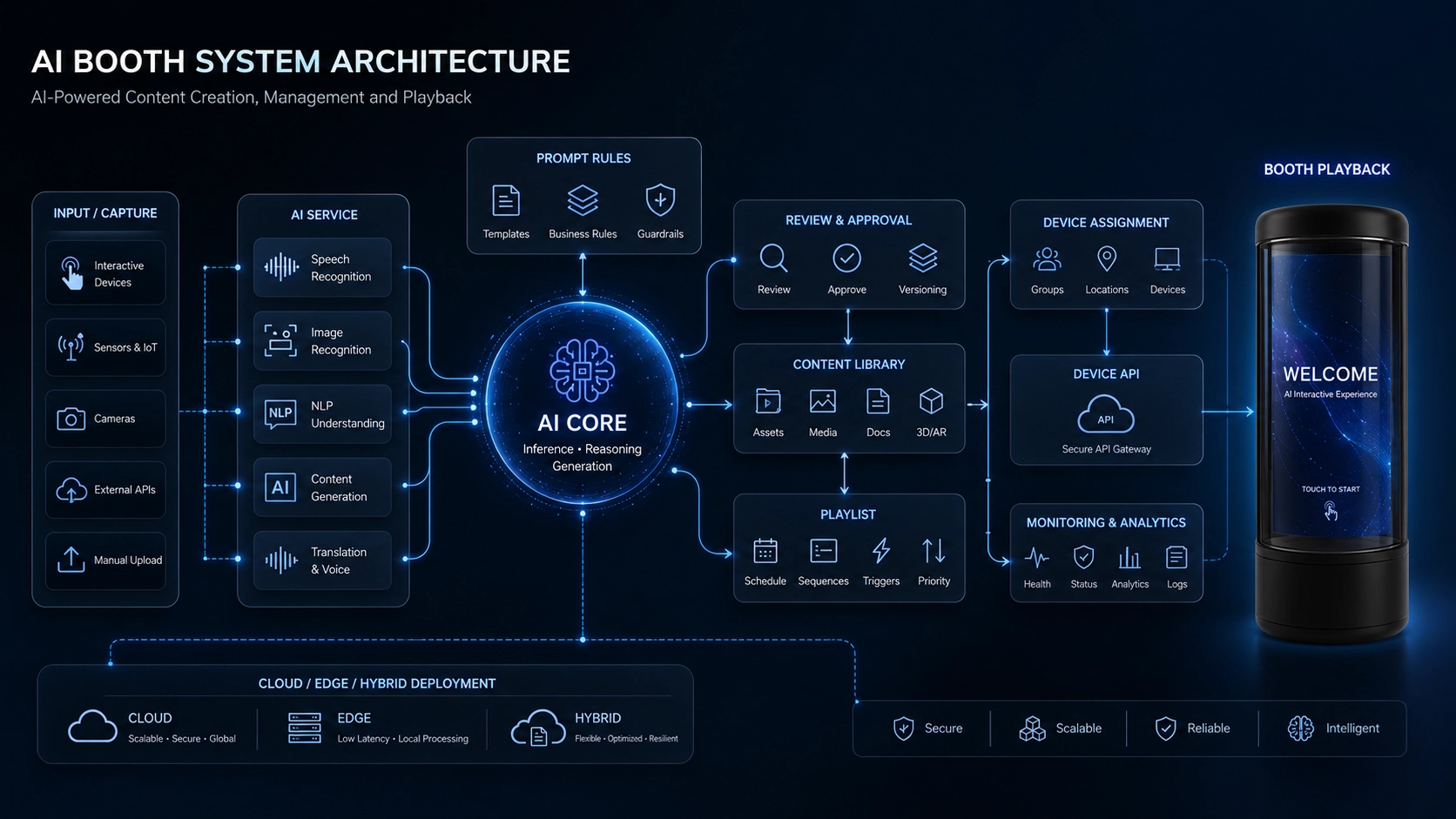
AI booth system architecture
Capture and interaction devices, AI services, content review, management platform, booth fleet and projection playback.
Software areas you can configure
- On-site interaction and operator flow
- AI service, prompts and moderation
- Content approval, retention and roles
- Playlists, schedules and device assignment
- APIs, processing location and data ownership
Software outputs for review
- On-site interaction prototype
- Content-platform definition
- Role and permission model
- AI and deployment boundary
- Configured pilot software build
Core product functions
- Interactive input and capture
- AI-assisted content generation
- Cloud, edge or hybrid processing
- Projection, display and playback control
- User account and permission management
- Operator dashboard and content library
- Remote status and device management
- System integration and pilot validation
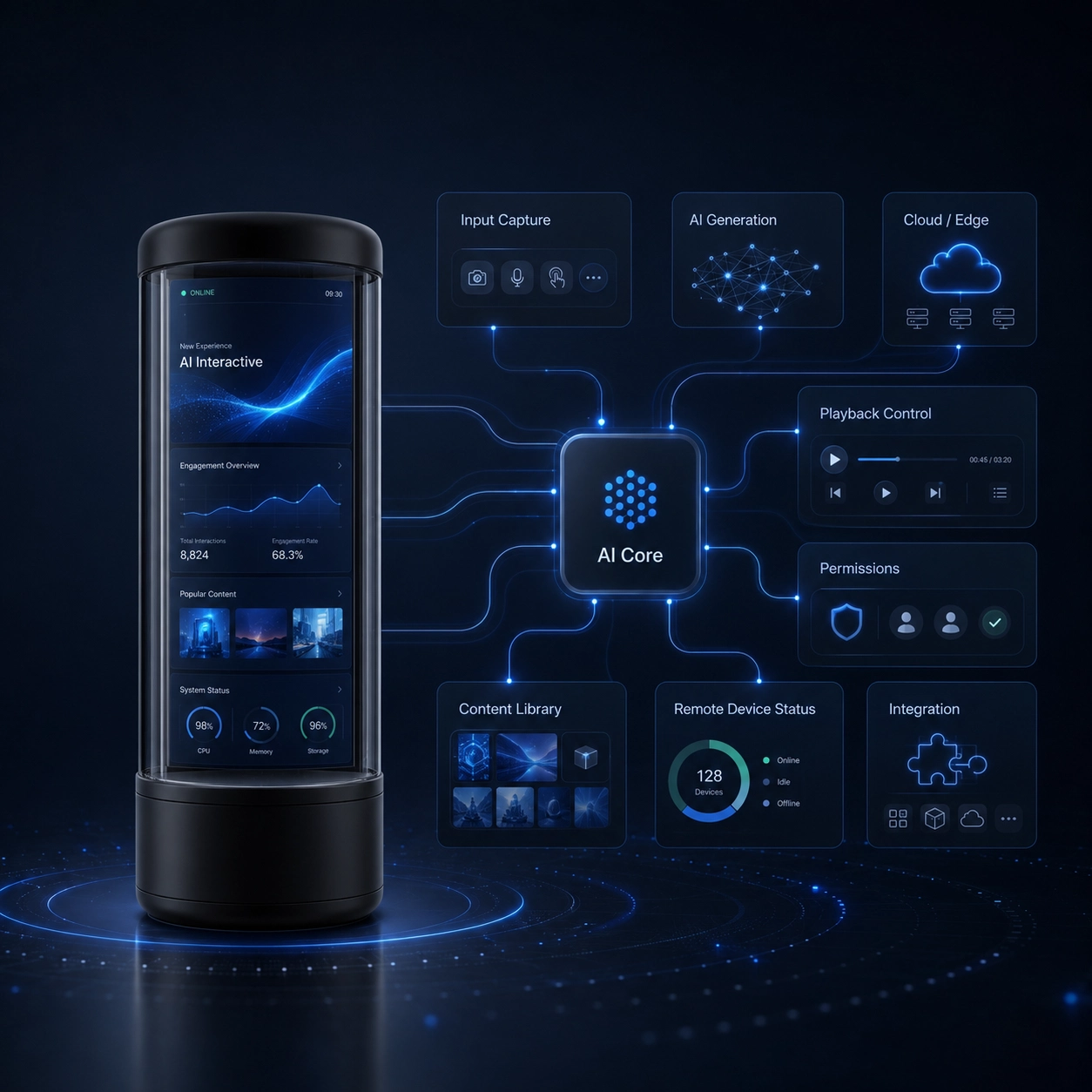
Technical workflow in AI holographic projection booths
Each layer has a defined output so the physical experience, AI service and operating model can be validated together.
Booth and enclosure
Defines the user position, equipment mounting, service access, safety boundary and installation environment.
- Industrial-design direction
- Equipment layout
- Installation and service requirements
User input and capture
Combines the selected camera, microphone, touchscreen or sensor inputs with consent and session controls.
- Input-device list
- Capture sequence
- Consent and session logic
AI content workflow
Transforms approved user input into generated or adapted media according to the chosen model, prompts and moderation rules.
- Model-service decision
- Prompt and moderation rules
- Content review path
Processing and delivery
Assigns real-time and background work to cloud, edge or hybrid resources and prepares content for playback.
- Processing architecture
- Latency targets for validation
- Storage and delivery rules
Projection and playback
Coordinates the projection or display hardware, media player, audio and playback state for the site.
- Display configuration
- Playback control logic
- On-site calibration plan
Operator management
Gives authorized operators device status, content approval, account permissions and maintenance controls.
- Dashboard scope
- Role definitions
- Monitoring and maintenance events
Decisions that turn the starting point into your product
A product framework for controlled interactive experiences, with the enclosure, capture path, AI pipeline, processing, display and management layers configured around the deployment.
Use one pilot architecture to test the booth, capture path, AI service, content controls, playback and operator workflow under representative venue conditions.
- Booth form and installation environment
- Camera, microphone, touchscreen or other user inputs
- Consent, account and content-permission flow
- AI model and generation-service selection
- Cloud, edge or hybrid processing
- Projection, display and audio configuration
- Operator dashboard and content approval rules
- Remote device monitoring and production test scope
Configure the product around your market—not around a generic demo.
Start from the closest product system, then agree what changes across the device, software, brand experience, deployment and production release.
Hardware and enclosure
Adapt the product form, interfaces, power, accessories, installation, labeling and packaging.
- Industrial-design and enclosure changes
- Interfaces, accessories and installation
- Labeling, packaging and documentation
Firmware and connectivity
Configure radio choice, device behavior, reporting, power, recovery and production programming.
- Wi-Fi, Bluetooth, NB-IoT or Cat.1 where applicable
- Device states, reporting and update logic
- Programming and functional-test release
App, web and brand experience
Define branded mobile and browser experiences, roles, languages, workflows, alerts and support.
- App identity and interface language
- User, operator and administrator workflows
- Dashboard fields, alerts and reports
Cloud, API, deployment and data
Agree interfaces, hosting, accounts, tenancy, source-code scope and product-data ownership.
- API and third-party integration
- Public, dedicated or private deployment
- Account, hosting, source-code and data ownership
Review the work behind the product,not just the finished enclosure.
Use samples, fixtures, validation units and product-specific records to verify what will be built and tested for AI holographic projection booths.
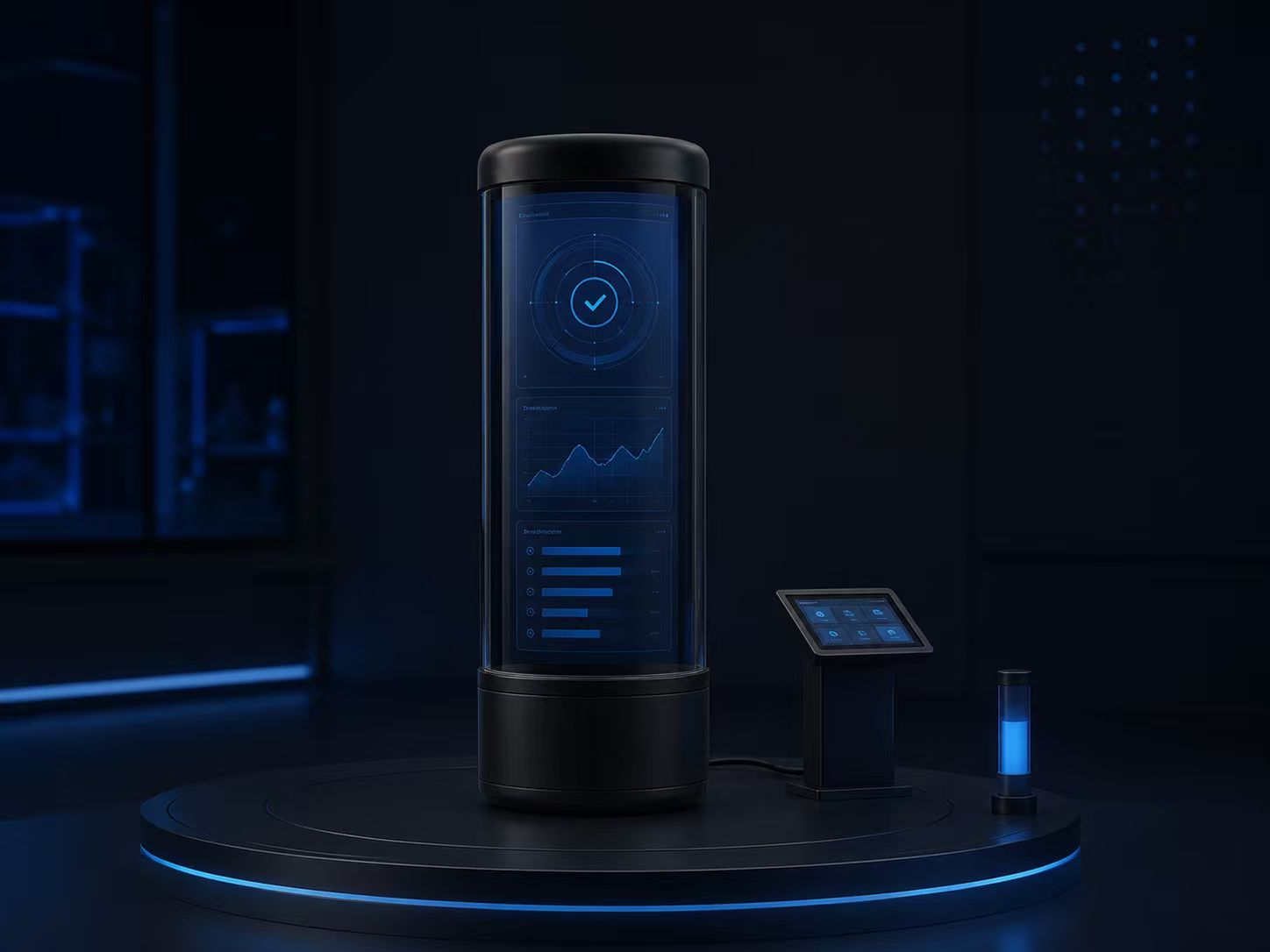
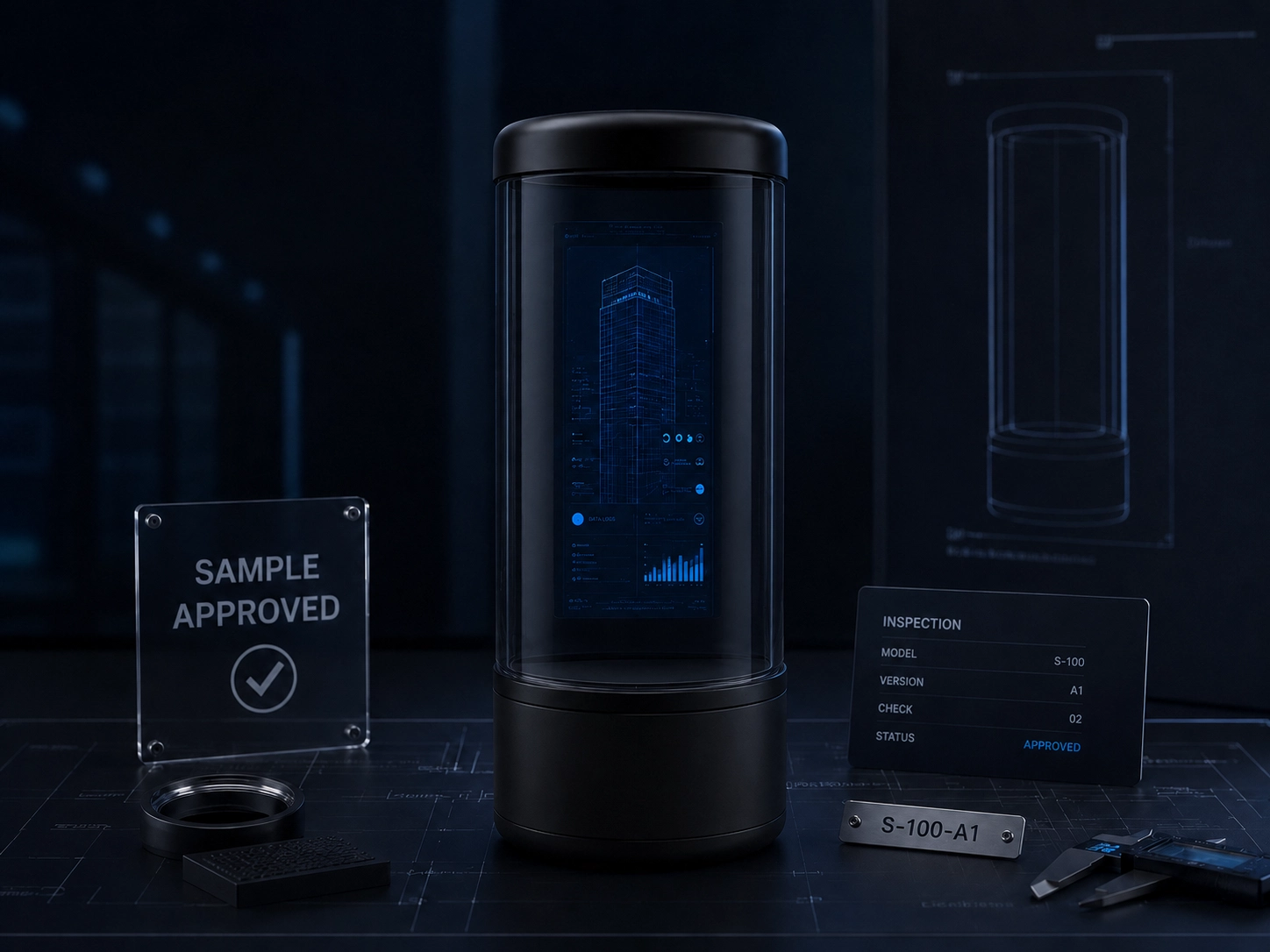
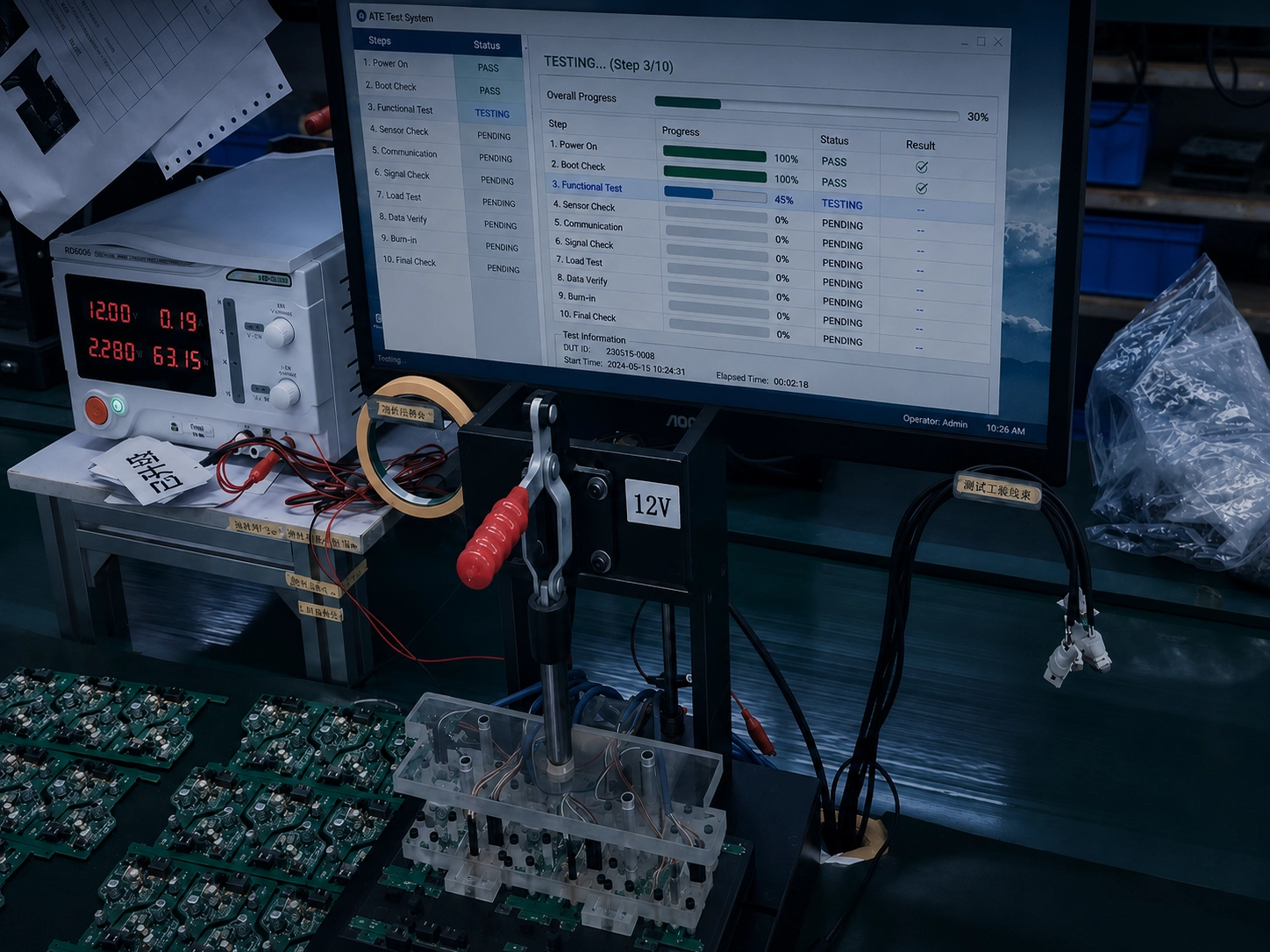
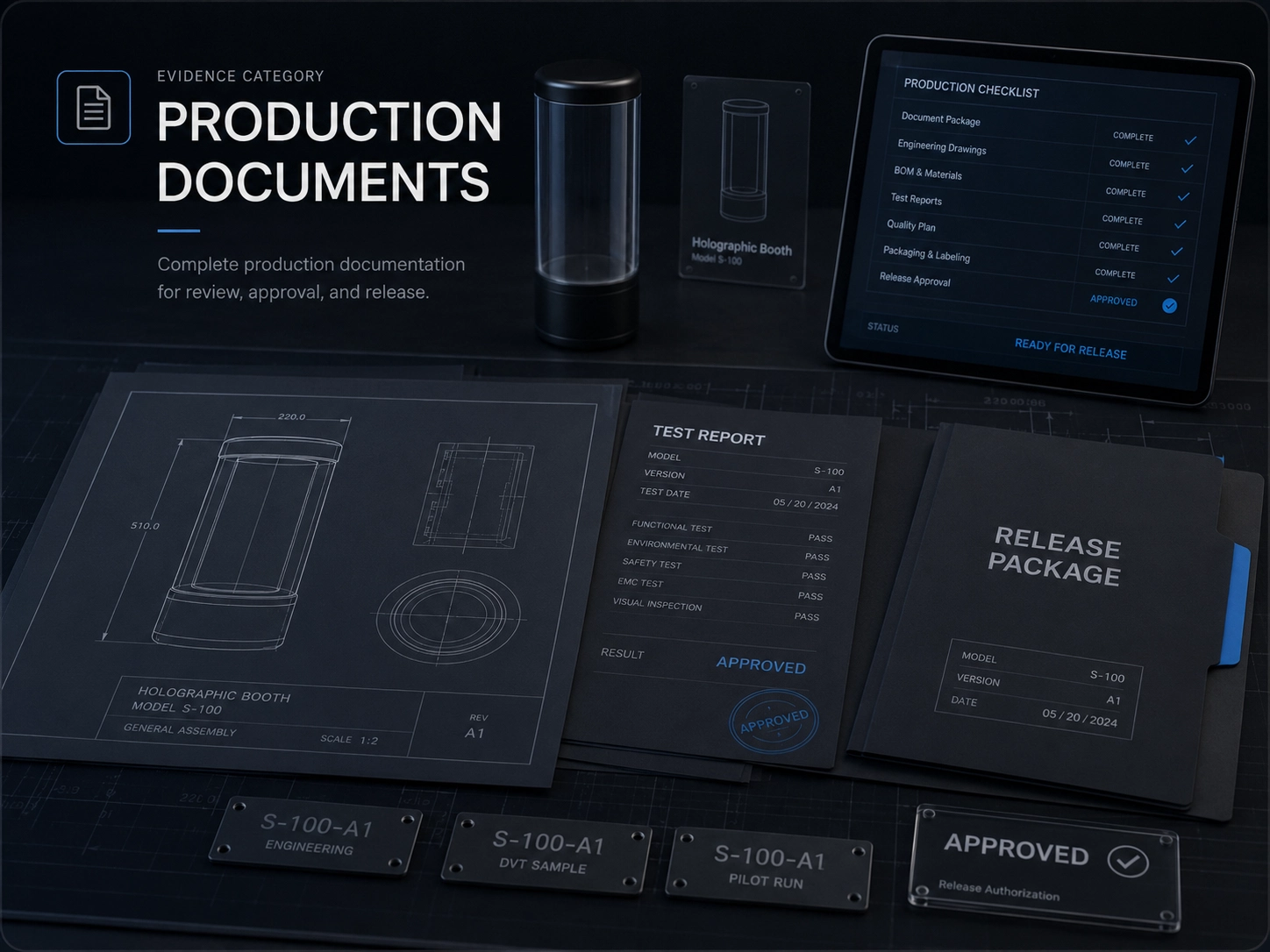
What stays fixed, what can change, and what must be checked again
Use the current AI holographic projection booths reference as the starting point. Any change that affects the product, software, installation or market must be reviewed before release.
Configuration boundary
Booth and installed hardware
- Current
- Current reference booth workflow with selected input, processing and playback equipment.
- Can change
- Enclosure, camera, microphone, touchscreen, display, projection and audio arrangement.
- Recheck
- Installation, equipment fit, calibration, service access and venue safety conditions.
AI and processing
- Current
- Current prototype flow for approved input, generation, review and playback.
- Can change
- Model service, prompts, moderation, content formats and cloud, edge or hybrid processing.
- Recheck
- Model-service behavior, content review, processing path and representative operating conditions.
Operator software
- Current
- Session control, content approval, playback, device status and operator workflow.
- Can change
- Branding, roles, retention, schedules, APIs and deployment ownership.
- Recheck
- Permissions, privacy, content ownership, recovery and operator responsibilities.
Venue pilot and release
- Current
- Integrated reference sample with basic interaction, processing and playback checks.
- Can change
- Equipment set, venue network, installation method, test flow and maintenance records.
- Recheck
- On-site hardware, network, environment, audience flow and support process.
Typical buyer deliverables
- Experience and system architecture
- Booth equipment and interface definition
- AI service and permission design
- Playback and operator-flow prototype
- Pilot validation and deployment checklist
Validation boundary
Included in the reference configuration
- Capture, generation, review and playback flow in the current prototype
- Selected interaction and content-approval workflow
- Operator controls and device-status workflow
- Integrated sample and basic functional checks
Requires project-specific validation
- Final booth hardware, venue, display, projection and audio conditions
- Model service, content, moderation and processing behavior
- Consent, privacy, security, retention and ownership rules
- Safety, electrical, radio and venue compliance for the installation
Reference validation does not automatically transfer to a changed enclosure, radio, battery, software stack, installation, legal entity or target market.
Configuration sheets, sample test records and applicable certification files can be reviewed against the selected product configuration, subject to file applicability and disclosure approval.
Request supporting product documentsAI Holographic Projection Booths questions buyers ask
Hanwu is developing an AI holographic projection booth platform that combines an interactive enclosure, user input, AI-assisted content generation, managed processing, projection playback and operator controls.
Best for
- Organizations developing a managed interactive installation
- Projects that need enclosure, AI and display integration
- Programs prepared to validate the experience through a pilot
Check first
- Buyers seeking a commodity projector
- Deployments without a defined content owner or operating process
Typical scope
- Interactive input and capture
- AI-assisted content generation
- Cloud, edge or hybrid processing
- Projection, display and playback control
What you receive
- Experience and system architecture
- Booth equipment and interface definition
- AI service and permission design
Related decisions for AI Holographic Projection Booths
Open the use case, engineering layer or requirements guide that resolves the next product decision.
Private IoT Platform Deployment
Decide how booth accounts, content, processing services and operator data should be owned and operated.
AI Vision and Media Integration
Review input, AI processing, content permissions and playback integration for the booth.
IoT Cloud Platform
Define device identity, content management, accounts and remote status for booth operations.
Embedded Hardware and Firmware
Review hardware interfaces, device states and control firmware for the booth equipment.
Product requirements guide
Organize the information needed for a configured sample.
Turn this product into a reviewable sample brief.
Send the market, users, required functions, software boundary and what the first sample must prove.